Digital business cards with video, photos & custom design
Start with one free digital business card and share it by QR code or link. Paid plans add photos, video and full customization. Recipients can view your card in their browser—no app needed.
No download needed. Choose a plan next, or select Skip to continue free. Prefer the iPhone or Android app?
Already have an account? Open the web app to return to your cards. See how it works →
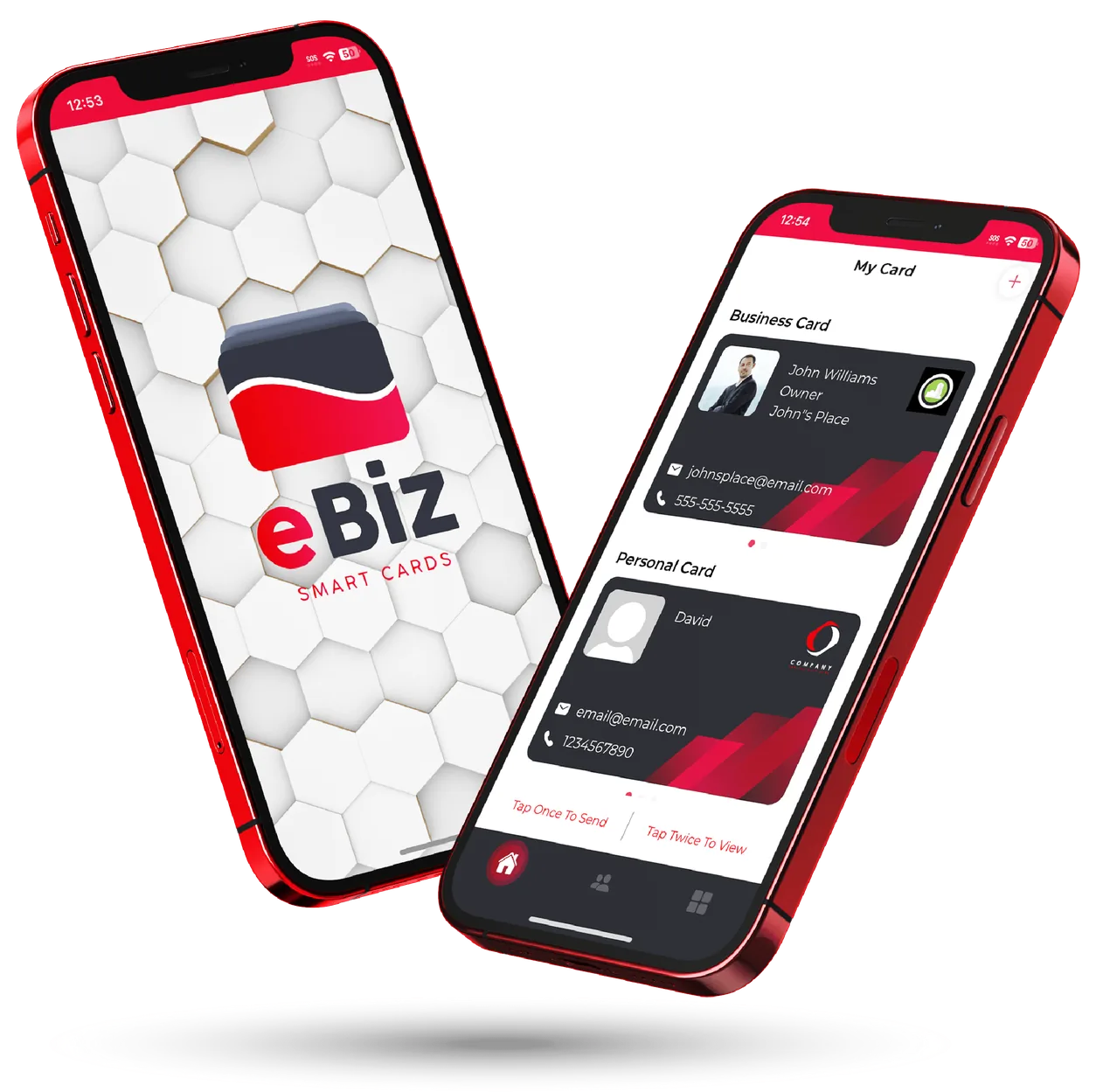
Watch a card come to life
Example eBiz cards with sample details, each shared in a single tap.
A business card that actually does something
Paper cards get thrown away and plain links look like everyone else's. eBiz gives you a living card you fully control.
Video & photos
Add a welcome video, a photo gallery or a product reel right on your card — the things a paper card and a plain link never can.
Fully custom design
Upload your own card design or brand it your way. Match your company colors, logo and style so every share looks unmistakably you.
Tap, scan & share
Share instantly by QR code, NFC tap, Airdrop, text or link. The person you meet doesn't need the app to open your card.
Custom fields & widgets
Add booking links, socials, payment buttons and portfolios — build the exact card your work needs.
Capture contacts back
Turn a hello into a lead. Collect the details of the people you meet and keep them all in one place.
Digital billboards
Go beyond a card with digital billboards — a bigger, bolder way to put your brand and offer in front of people.
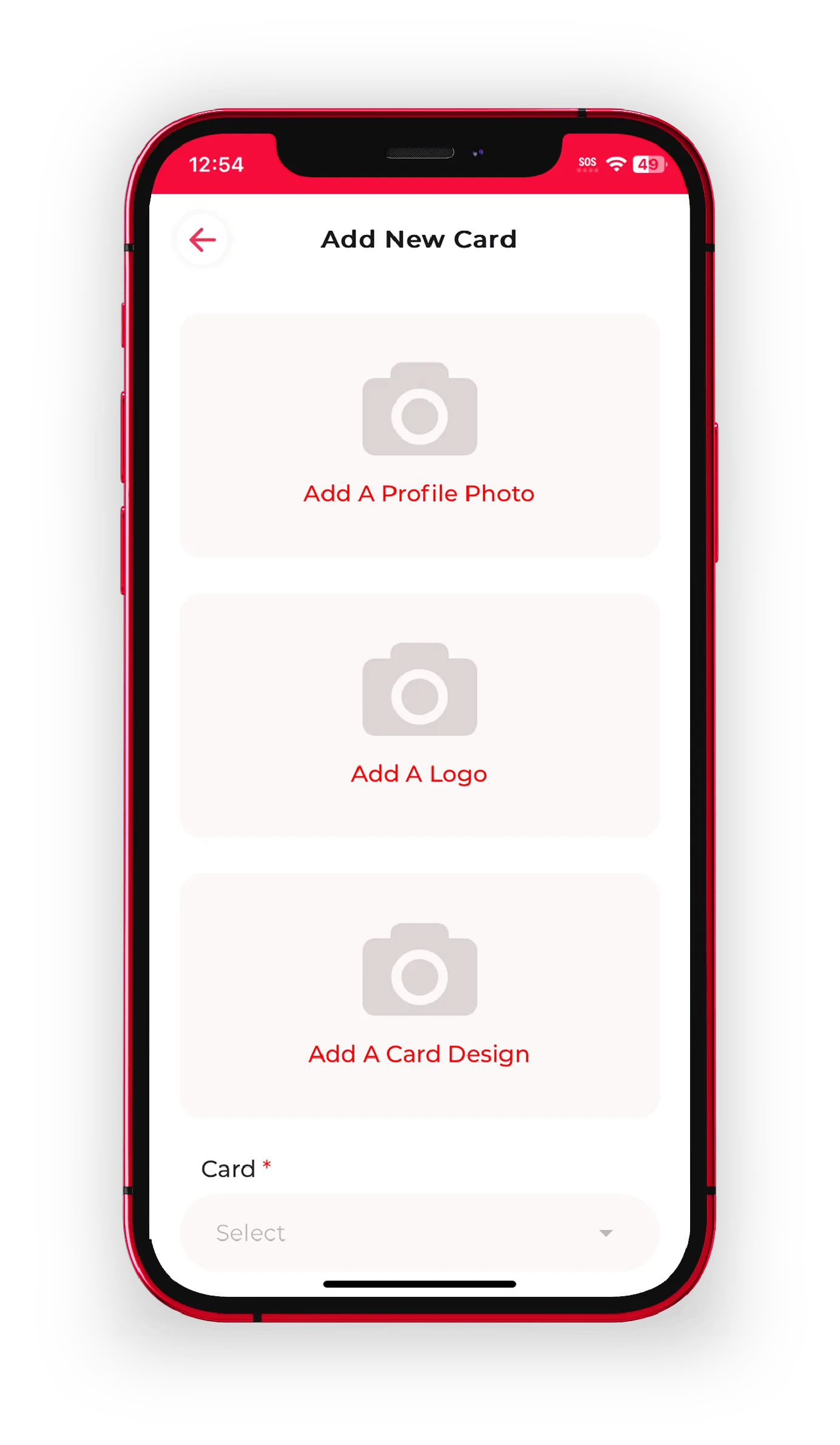
Upload a custom card design
Start from your own artwork or design it in the app. Your card, your brand — down to the colors, layout and cover.
- Bring your own design or build one in minutes
- Match your brand colors, logo and fonts
- Create business and personal cards from one account
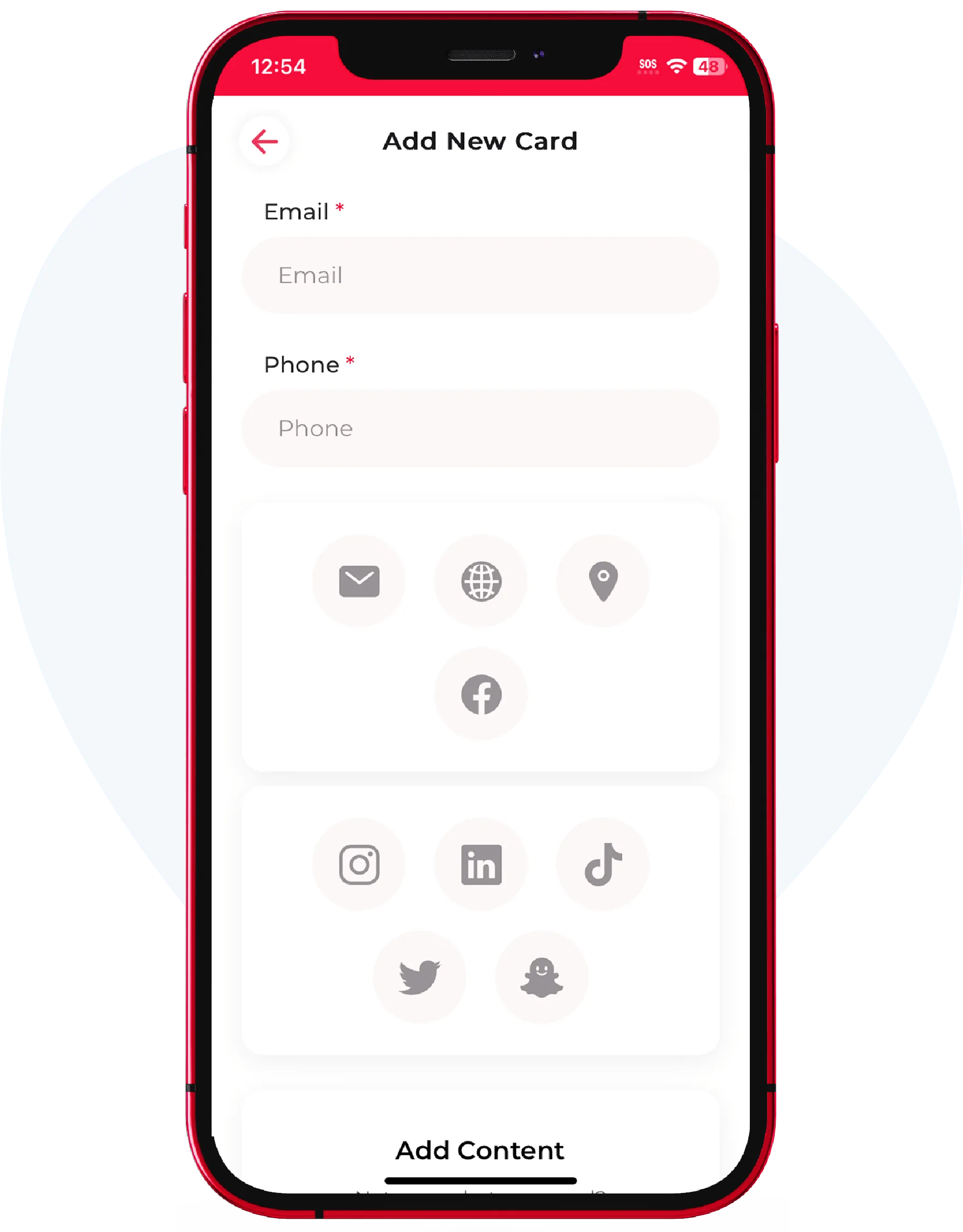
Add fields, widgets & video
Make your card work as hard as you do. Drop in the exact info, links and media that turn a contact into a customer.
- Phone, email, website, address & social links
- Welcome video, photo gallery and product widgets
- Booking, payment and call-to-action buttons
Share your card with the world
One card, every way to share. Whoever you meet can open it instantly — no app, no friction.
- QR code, NFC tap, Airdrop, text or direct link
- Recipients don't need to download anything
- Update once — everyone always sees the latest version
One app, every kind of card
From the open house to the job site, see what an eBiz card looks like in the field.

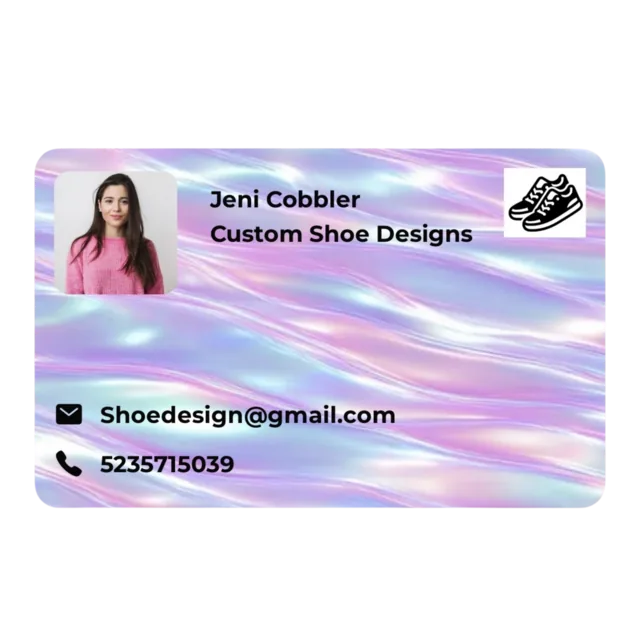


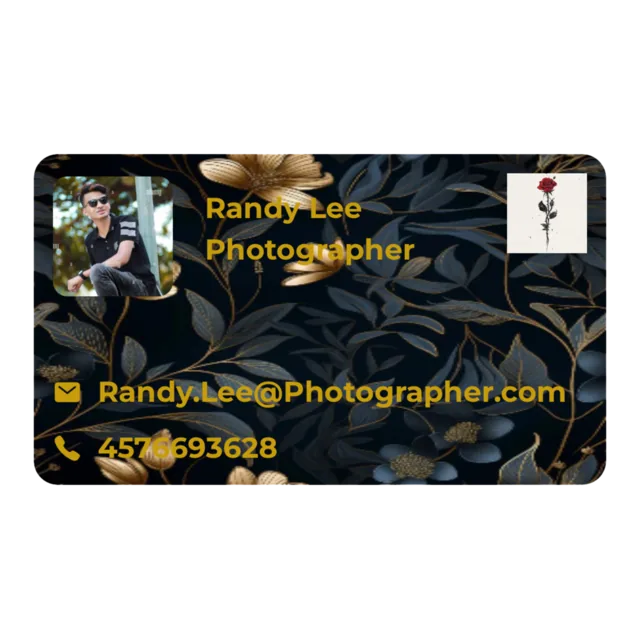
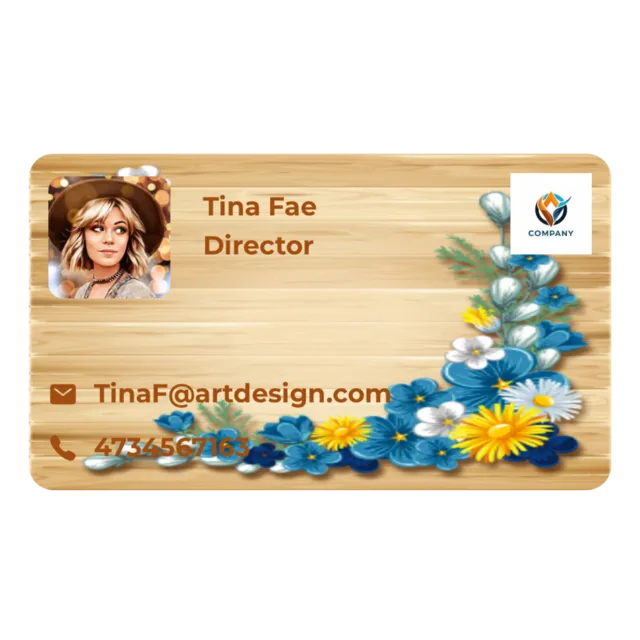


Start with one free card. Photos, video and full customization are available on paid plans.
From download to sharing in minutes
Create your card
Download the free app, pick or upload a design, and add your details, links and video.
Make it yours
Customize fields, add widgets and brand it to match you — a business card and a personal card if you like.
Share & grow
Tap, scan or send your card anywhere, capture the contacts you meet, and keep everything in one place.
Made for the way you network
Whatever you do, your card should show it. eBiz adapts to your industry and your moment.
Turn heads with Digital Billboards
eBiz isn't just a card. Launch a digital billboard to put your brand, offer or event front and center — a bigger canvas for the moments that matter.
Why eBiz beats paper & plain links
A card that works as hard as you do
The practical reasons professionals are leaving paper behind.
You're always up to date
Change your title, number or link once and everyone who already has your card sees the new version. No reprints, no crossed-out numbers.
Sharing is effortless
Tap, scan or send — the person you meet opens your full card right in their browser, with nothing to download.
Nothing gets lost
Capture the contacts you meet and keep them in one place, so a good conversation actually turns into follow-up.
Questions, answered
Does the person I share with need the app?
No. Your card opens in any browser by QR code, NFC tap, Airdrop, text or link — the people you meet don't need to download anything to see it.
Is eBiz Smart Cards on iPhone and Android?
Yes. Create and manage your card in the free app on both iOS and Android, or use the web app from any device.
Is it free to get started?
Yes — you can create your first digital business card for free. Upgrade any time for more design, cards and features.
Can I put my own design on the card?
Absolutely. Upload your own artwork or design it in the app, and brand it with your colors, logo and layout.
How is this different from a QR code or a plain link?
eBiz combines video, photos, custom fields and a fully custom design in one living card you update anytime — and it captures the contacts you meet, which a plain link can't.
Your next handshake deserves a better card
Start with one free card and unlimited sharing. Add photos, video and full customization when you choose a paid plan.