The digital business card, built for your line of work
Same card, same app, different job. A realtor's card plays the listing video; a stylist's carries the gallery and the booking link; a contractor's leads with the quote button and the license. Pick your profession below, or start from a blank card and make it yours.
Find the card built for your job
Each page shows the card, the moments it's for, what to put on it and the ideas that work in that field.
What changes, and what never does
The industry changes the buttons and the layout. These six parts are on every card, in every field.
Shared any way they take it
QR on a sign, badge or mirror; an NFC tap at the handshake; a link by text, email, Airdrop or DM. Same live card. QR code cards · NFC cards
The other person's details back
Whoever opens your card can leave their name, number and a note, with a follow-up reminder for you. Contact capture
Video and photos on the card
A listing walkthrough, a demo, a transformation, a finished job. The proof travels with your number. Video business cards
Your design, not a template
Upload your own card design or build one in your colors and logo. Custom business cards
Updated after it's shared
New number, new title, new listing, new salon. Change it once and every card you've handed out changes with it. How it works
One design for a whole team
Brokerages, practices, sales floors and crews: set the design once, every member carries it. Team plans
From blank card to first handoff
Three moves, whichever page you came from.
Create your card
Sign up in the browser or download the app, add your name, photo, company and the buttons your job needs. About five minutes.
Shape it to the job
The booking link, the gallery, the video, the quote form, the license number: the pages above list what to add for your field.
Share it your way
QR on a sign, tap of an NFC card, link in a text or a bio. Update the card once and every share shows the new version.
Choosing a digital business card, answered
Which digital business card is best for my industry?
The one whose buttons match your day. A realtor needs a booking button and a listing video; a stylist needs a gallery and a booking link; a contractor needs a quote form and a license number; a rep needs the demo video and lead capture. The eight pages above show the layout for each, and every one starts from the same free card.
Can I have more than one card?
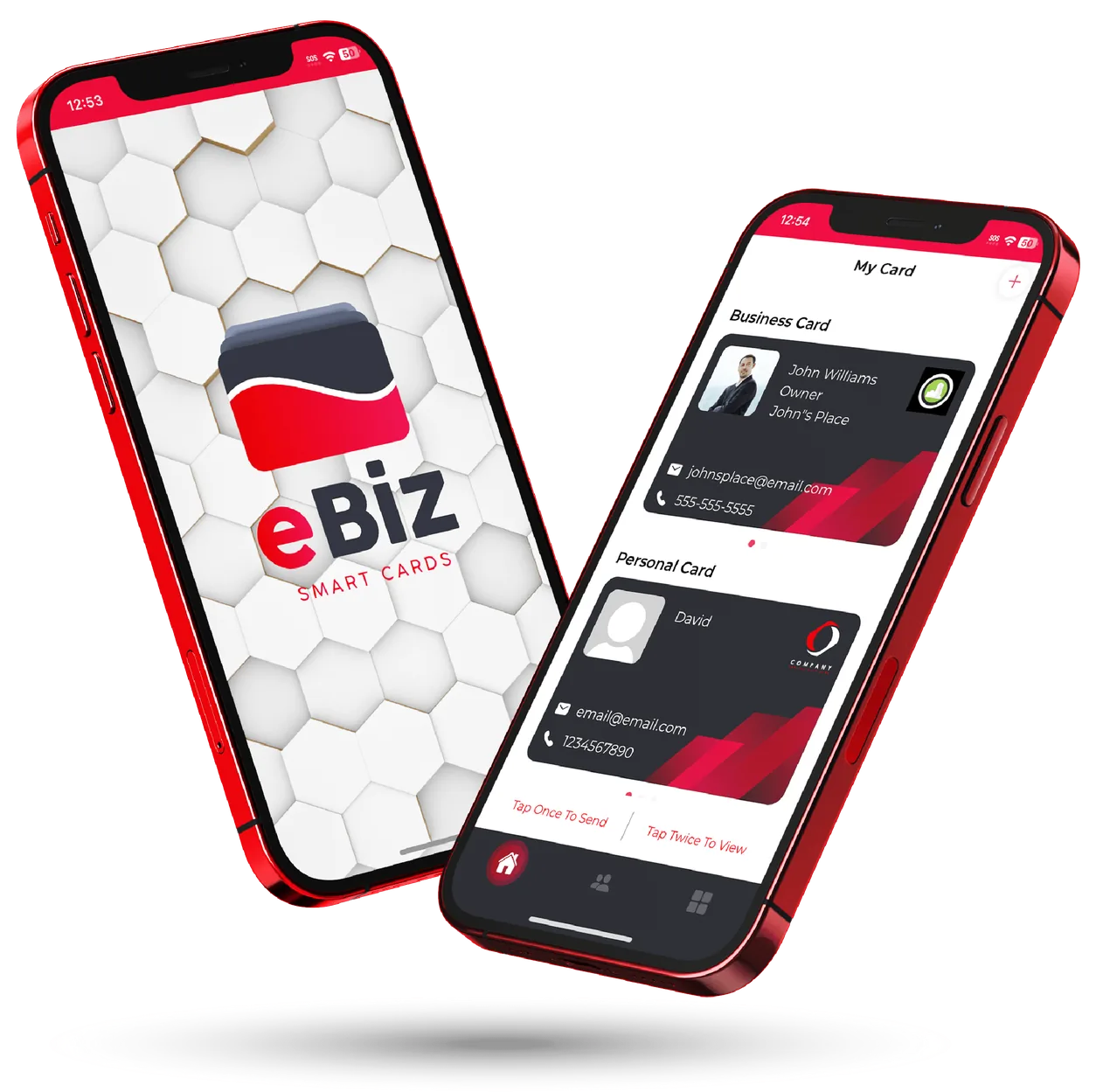
Yes. A business card and a personal card live in the same app, each with its own QR code, and many people keep a third for a side business or a specific event.
Does the person I share with need the app?
No. Only you use the eBiz app to build and update your card. Anyone you share with opens it in any browser on any phone and saves your contact in a tap.
How do I share a digital business card?
Show the QR code on your phone or print it on a sign, badge or paper card; tap an NFC card; send the link by text, email, Airdrop or a DM; or put the link in your Instagram bio and email signature. Every route opens the same live card.
Does it work in my country?
Yes. The card is a web page, so it opens on any phone anywhere in the world, with your own number format, language and currency in the links you add.
Is a digital business card free?
Yes. One card with unlimited sharing is free. Paid plans add photo galleries, video, social icons, full custom design, insights and team management.
Before you build your card
Ready to make your card?
Create one card free with unlimited sharing. Paid plans add photo galleries, video, social icons, full custom design and team management.