HIHELLO ALTERNATIVE

A HiHello Alternative Built for a Card That Looks Like You

Like the idea of a digital business card but want real control over how it looks and what it does? eBiz Smart Cards lets you design the whole thing, add video, and share it in one tap.

Free to startiOS, Android & webNo app to receive
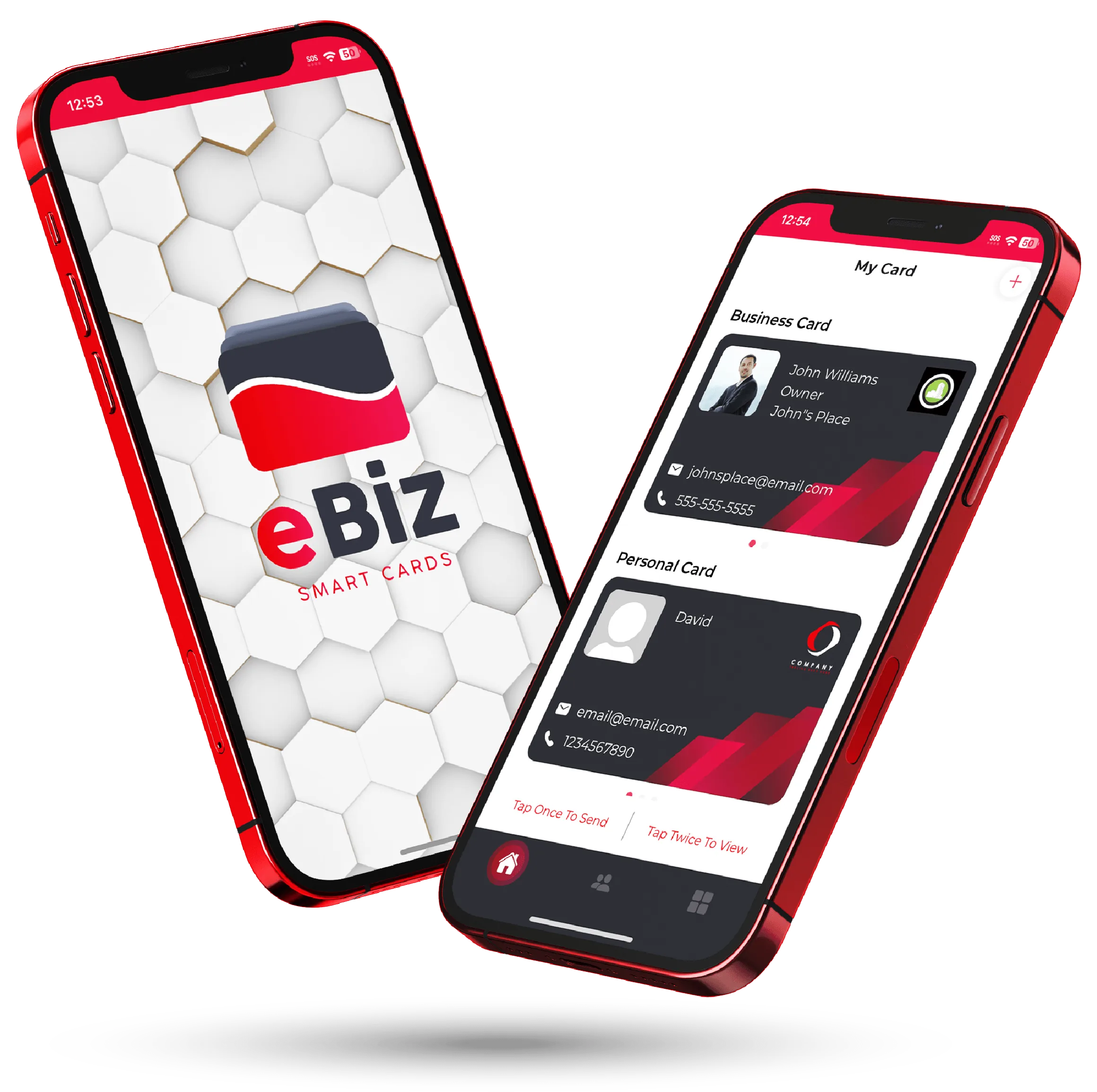
The eBiz Smart Cards digital business card shown on two phones
Tap to shareQR · NFC · link
No app to receiveopens in any browser
HomeHiHello Alternative | eBiz Smart Cards
WHY PEOPLE SWITCH

What to look for in a HiHello alternative

HiHello is a solid digital business card, and plenty of people are happy with it. If you're here, you're weighing your options. So here's a straight answer on what eBiz Smart Cards does and where it might suit you better.

Design it from scratch

Upload your own background, arrange your fields, and match your brand instead of picking a template. The card is a canvas you control.

Photo and video, on the card

Add a headshot, product shots, and a short video. Your card can introduce you before you get a word in, which is something paper never managed.

Share it any way you like

QR code, NFC tap, Airdrop, text, or a plain link. However the moment plays out, you can hand over your details in seconds.

Two phones showing an eBiz digital business card being shared
HIHELLO VS EBIZ

Same idea, more room to make it yours

Both apps turn your phone into a tappable, scannable business card. The gap shows up in how far you can push the design, and in what the card actually does once someone opens it.

  • Fully custom layouts, not just theme swaps
  • Video, photos, and rich media built in
  • Widgets for links, booking, payments, and socials
  • Capture contacts back, so the exchange runs both ways
SIDE BY SIDE

Comparing the core capabilities

A quick look at the features people ask about most. Apps change their plans often, so treat this as a starting point and confirm the latest on each product's own site.

Capability
Other apps
eBiz Smart Cards
Fully custom card design
Varies
Video on your card
Varies
QR, NFC, Airdrop, text & link sharing
Varies
Recipient needs no app
Varies
Custom fields & widgets
Varies
Capture contacts back
Varies
iOS, Android & web app
Varies
Fair-comparison note: We don't post specific competitor claims here, since features and plans move around. Check HiHello's current details directly, then hold them up against what you see in the eBiz app.
GET STARTED

Switching takes about five minutes

No reprinting, no waiting on hardware. Build your card and start sharing it the same day.

Build your card

Download the app, add your details, upload your design, and drop in a video or the widgets you actually use.

Share it anywhere

Tap, scan a QR code, or send your link by text. Their phone opens it instantly. No app on their end.

Keep the connection

Pull their details back into your contacts, and edit your card any time without handing out a new one.

1-tapsharing
0 appsfor them to receive
3 waysiOS, Android & web
100%custom design

Still comparing your options?

The right digital business card usually comes down to three things: how much you care about design, whether you want media on the card, and where the card ends up after you share it. If you want something that looks like your brand and does more than list a phone number, eBiz was built for that. The full feature list shows everything you can add.

Lining up more than one app is smart. We keep neutral write-ups on the popular ones, including our Blinq alternative and Popl alternative pages, plus a wider guide to the best digital business card app if you'd rather see the whole field at once.

When you're ready, download eBiz Smart Cards and build your card for free. Upgrade later inside the app, or reach out when you need a setup for the whole team.

FAQ

Frequently asked questions

Is eBiz Smart Cards a good HiHello alternative?

It's a strong pick if you want a card you can design from scratch, add video and custom widgets to, and share by QR, NFC, Airdrop, text, or link. The person receiving it never has to install an app.

Do people need an app to receive my eBiz card?

No. You tap, scan, or send a link, and your card opens right in their browser. They can save your details and send theirs back without downloading anything.

Can I add a video and my own design to the card?

Yes. Upload your own imagery, add photos and a video, and arrange custom fields and widgets like links, booking, payments, and socials so the card reflects your brand.

How much does eBiz Smart Cards cost?

You can create and share a card for free. Additional plans live inside the app, and teams can contact us for a setup that fits a whole company.

How do I switch from HiHello to eBiz?

Download the app, build your card in a few minutes, and start sharing the new link. There's nothing to reprint and no hardware to reorder to get going.

Ready to make your card?

Create your digital business card with video, photos and a fully custom design — free to start, and never hand out a paper card again.

Download on theApp Store Get it onGoogle Play