Share your eBiz card by QR, NFC, Airdrop, text or link, then invite the other person to send their details right back. No paper to lose. Nothing to type up on Monday. You capture contacts on the spot, and every new lead lands in the same place, tagged to the moment you met. That's real two-way contact exchange, not a one-way broadcast.
LEAD CAPTURE
Capture contacts the moment you meet someone
A handshake is easy to forget. Turn every hello into a saved lead: share your card, collect their details back, and keep everyone you meet in one place.
Free to startiOS, Android & webNo app to receive
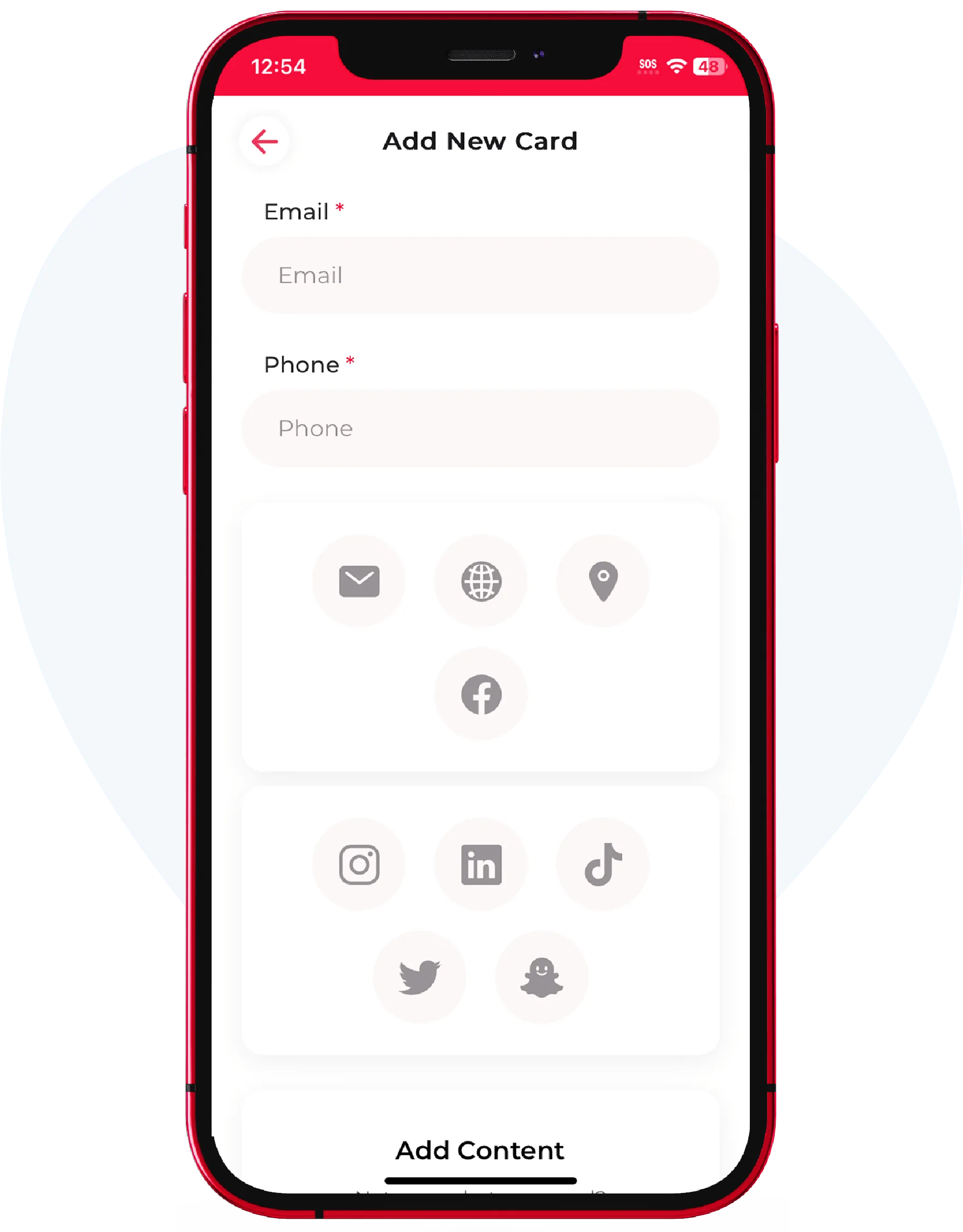
Tap to shareQR · NFC · link
No app to receiveopens in any browser
TWO-WAY EXCHANGE
Handing out your card is half the job. Getting theirs is the win.
Anyone can pass out a card. The people who actually follow up are the ones who walk away with the other person's details already saved.
WHY IT MATTERS
Built for people who network for a living
If your income depends on follow-up, a lost lead is lost money.
Collect details, not paper
Ask the person you just met to send their name, number, email and company straight into your list. No stack of cards to sort through later.
A real two-way trade
They get your full card, you get theirs, same tap. Both sides leave connected instead of hoping someone typed the number right.
Everyone in one place
Every contact you capture stays organized in your account, so the lead from a conference sits right next to this morning's coffee.
They need no app
The person sending their details downloads nothing. It opens in their browser, they fill it in, and the lead is yours.
Faster than typing
Skip spelling out an email across a loud room. One scan and the details enter themselves.
Follow up while it's warm
The lead is captured, the context is fresh, nothing slipped through. That's the gap between a nice chat and a deal.
HOW IT FEELS
One tap out, one tap back
Show your QR, they scan, and the door swings both ways.
- Share by QR code, NFC tap, Airdrop, text or a plain link
- Add a capture prompt so new contacts can send their details back
- Works the same at a booth, a lunch, or a job site
- Keep separate business and personal cards for the right first impression
Quick answer: To capture contacts with eBiz, share your card by QR or NFC and switch on the contact-capture prompt so the person you meet can send their details straight back, no app required on their end.
1-tapto share your card
0 appsfor them to install
2-waycontact exchange
3 waysiOS, Android, web
THREE STEPS
From hello to saved lead in seconds
Share your card
They scan your QR or tap your NFC card. Your full profile opens instantly in their browser.
Ask for theirs
The capture prompt invites them to send their name, number and email back in the same exchange.
Keep the lead
The contact lands in your list, organized and ready, so you follow up before the day is over.
WHO IT'S FOR
Capture contacts that fit how you actually work
Close deals or grow a network, the goal doesn't change: don't lose the people you meet.
- Reps who work a room and need every name in the pipeline
- Founders and freelancers turning conversations into clients
- Anyone who's ever found a stranger's card and forgotten the face
See how teams put it to work on the sales teams page, browse more use cases, or download the app for iOS and Android to start capturing today.
FAQ
Frequently asked questions
How do I capture someone's contact details with a digital business card?
Share your eBiz card by QR code, NFC tap, Airdrop, text or link, then turn on the contact-capture prompt. They fill in their name, number and email, and it saves straight to your contacts.
Does the other person need an app to send me their details?
No. Your card and the capture prompt open in their web browser, so they can send you their contact information without installing anything.
Is this a two-way exchange or just me sharing my card?
Both. In the same interaction you share your full card and invite them to send their details back, so both people walk away connected.
Where do the contacts I capture get stored?
Every lead you capture is kept in one place in your eBiz account, so contacts from an event, a meeting or a chance encounter all live together and are easy to follow up with.
Can I use contact capture at events and trade shows?
Yes. It's built for booths, conferences and networking, where scanning a QR code is far faster than swapping paper cards or typing details into a phone in a noisy room.
Is it free to start capturing contacts?
You can create your card and start capturing contacts free on iOS, Android and the web app. Additional plans are available in the app, and teams can contact us.
Who captures contacts
Built for the way you work
Ready to make your card?
Create one card free with unlimited sharing. Paid plans add photo galleries, video, social icons and full customization.