NFC BUSINESS CARDS

The NFC Business Card That Shares Everything in One Tap

Hold your phone near someone's and your whole profile lands on their screen. Nothing for them to install, and no reorder when your details change. Build it once in the eBiz app and edit it whenever you like.

Free to startiOS, Android & webNo app to receive
A finished eBiz digital business card with links and video
Tap to shareQR · NFC · link
No app to receiveopens in any browser
HomeNFC Business Card | Tap to Share | eBiz
WHAT IT IS

What an NFC business card actually does

It's a tap card that carries your whole profile, not just a name and a number.

An NFC business card uses a tiny wireless chip to pass your contact details to another phone the moment the two devices touch. NFC is short for Near Field Communication, the same close-range tech behind Apple Pay and Google Wallet. Someone taps their phone to your card, or you tap yours to theirs, and your profile opens right in their browser.

With eBiz, that profile is fully digital, so it holds far more than a scrap of cardstock ever could. Your photo. A short video. Clickable links, a booking calendar, payment links, and the social accounts you actually use. You share it with a tap, and you never run out of cards.

Quick answer: A tap drops your details onto the other person's phone in a second, and they don't need to download a thing to view or save them.
WHY TAP WINS

Why people switch to a contactless card

Paper gets tossed in a drawer. A tap gets saved.

One tap, done

No typing, no hunting for a pen. Your details reach their screen in about a second, ready to save as a contact.

They need no app

The person you meet taps and views your profile in their normal browser. Nothing to install, no account to set up.

Change it anytime

New title, new number, new promo? Edit it in the app and every tap after that shows the latest version. No reprints.

Room for video

Add a short intro video, a product reel, or a portfolio. Good luck fitting that on cardstock.

Looks like your brand

Design it your way with full custom control. Bring your own artwork, colors, and logo so it reads as you.

Capture them back

Ask for their details in the same tap. Contact capture turns a quick hello into a lead sitting in your list.

SETUP

How to make your NFC digital card

Three steps, a few minutes, zero design skills.

Build your card

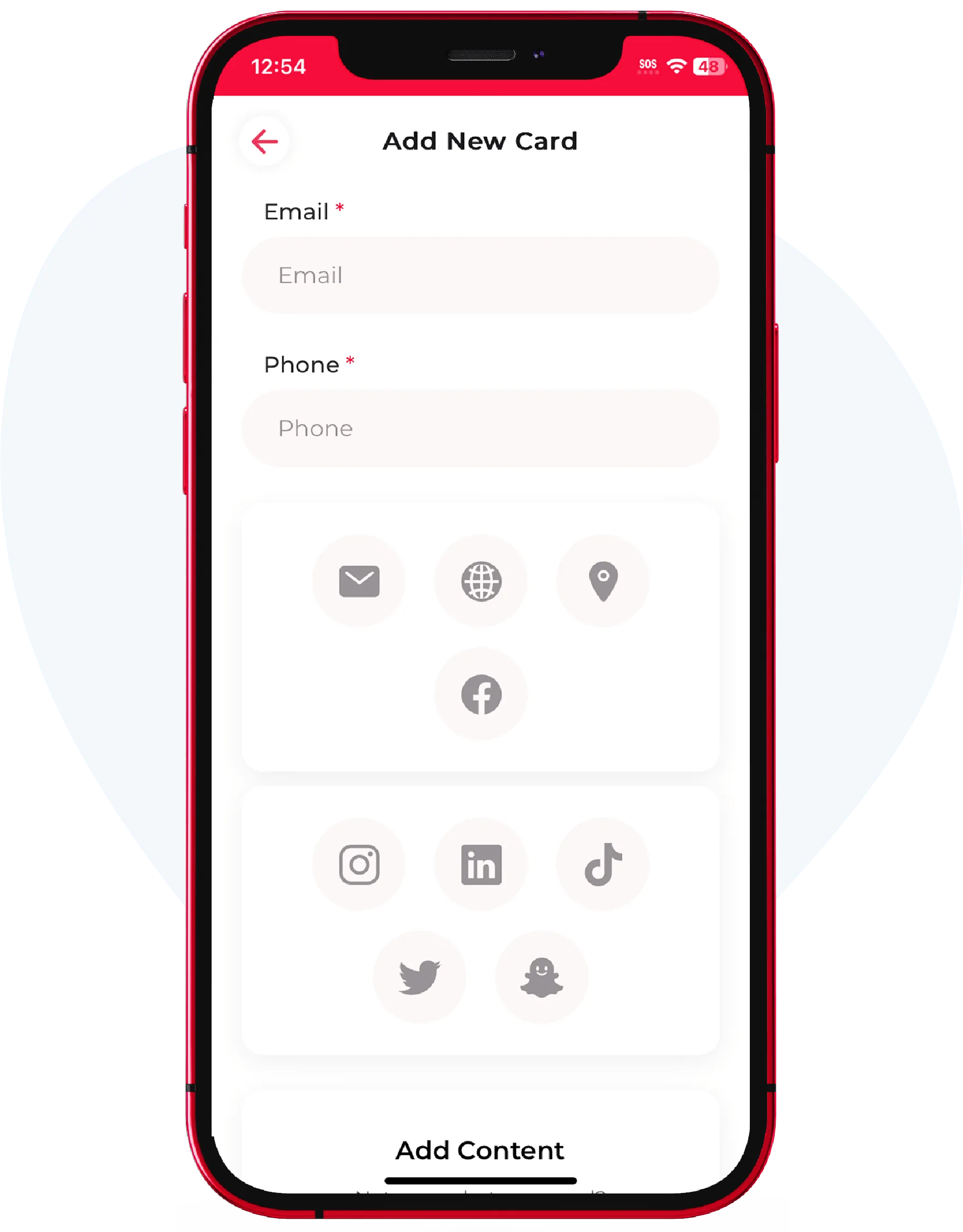
Download the eBiz app and add your details, photo, links, and any video or widgets. Style it to match your brand.

Link your tap card

Point your NFC card or accessory at your profile. Now a single tap opens your live card on any recent phone.

Tap and share

Hold the card to a phone, or fall back to QR, Airdrop, text, or a link when a tap isn't handy. They save you in seconds.

NFC business cards that share a digital profile with one tap
TAP TO SHARE

A living card behind every tap

The chip is just the trigger. The profile it opens is what does the work.

  • Works with iPhone and Android out of the box
  • Photo, video, links, booking, and payment widgets in one place
  • Recipient saves you as a contact with one button
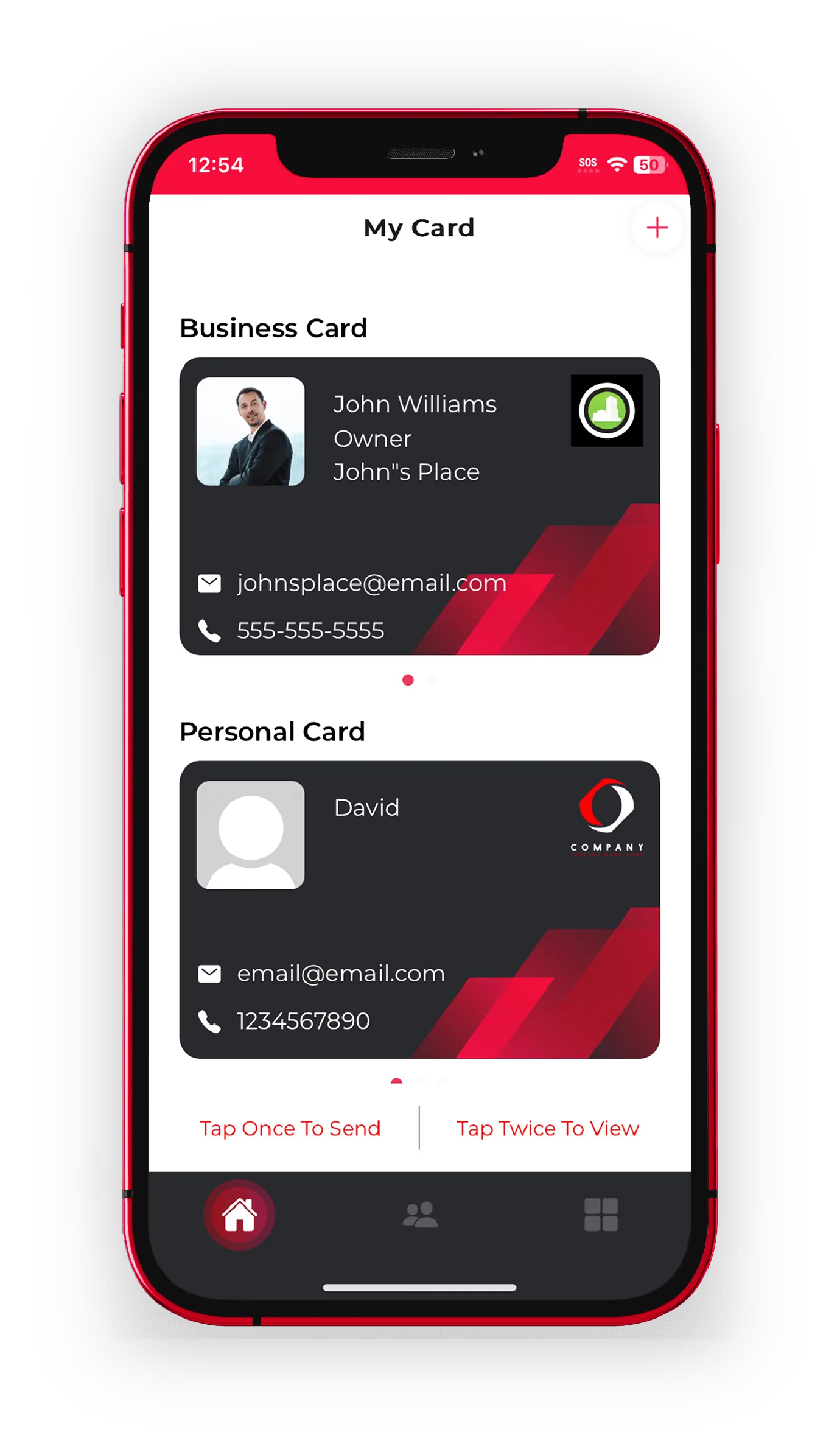
  • Keep separate business and personal cards on one account
NFC VS QR

NFC or a QR code: which do you use?

You get both. Same profile either way.

NFC is fastest when you can physically touch two phones. QR wins from a distance, on a shared screen, on a slide, or on a badge across a table. You don't have to choose. Your eBiz profile shares by tap and by QR code, plus Airdrop, text, and a plain link, so you always have a way to hand someone your details.

Think of it this way: NFC is the handshake, QR is the wave. Use the handshake up close and the wave for everyone else.

DIGITAL VS PLASTIC

Why a digital card beats a plastic one

Both tap. Only one keeps up when your details change.

Capability
Plastic NFC card
eBiz NFC card
Update your info anytime
Reorder needed
Add photo and video
Custom links, booking, payments
Limited
Recipient needs no app
Also shares by QR and link
Capture the other person's details
Business and personal cards in one place
1-tapto share your card
0 appsneeded to receive it
3 waysiOS, Android, and web
100% customdesign your own card
GET STARTED

Ready to tap and share?

Build your card free, then see everything it can hold.

Start on the free plan, design a card that looks like your brand, and you're set for your next meeting. Want the full tour first? Browse all features or walk through the whole flow on how it works.

Download the eBiz app

FAQ

Frequently asked questions

What does an NFC business card do?

It passes your contact details and full profile to another phone in one tap, using a short-range wireless chip. The person you meet can view and save you right away without typing anything.

Do people need an app to receive my NFC card?

No. When you tap, your profile opens in their normal phone browser. They can save you as a contact with one button, with no download or account required.

Can I make my own NFC business card?

Yes. Build your card in the eBiz app with your photo, links, video, and branding, then link it to your NFC card or accessory so a single tap opens your live profile.

Does an NFC card work on iPhone and Android?

Yes. Recent iPhones and Android phones can read NFC and open your eBiz profile. When a tap isn't convenient, you can share the same card by QR code, Airdrop, text, or link.

What happens when my job or number changes?

Just edit your card in the app. Because it's digital, every future tap shows your updated details automatically, so you never reprint or reorder.

Are NFC business cards worth it?

If you network regularly, yes. You stop running out of cards, your details stay current, and you can capture the other person's contact info back in the same moment.

Ready to make your card?

Create your digital business card with video, photos and a fully custom design — free to start, and never hand out a paper card again.

Download on theApp Store Get it onGoogle Play