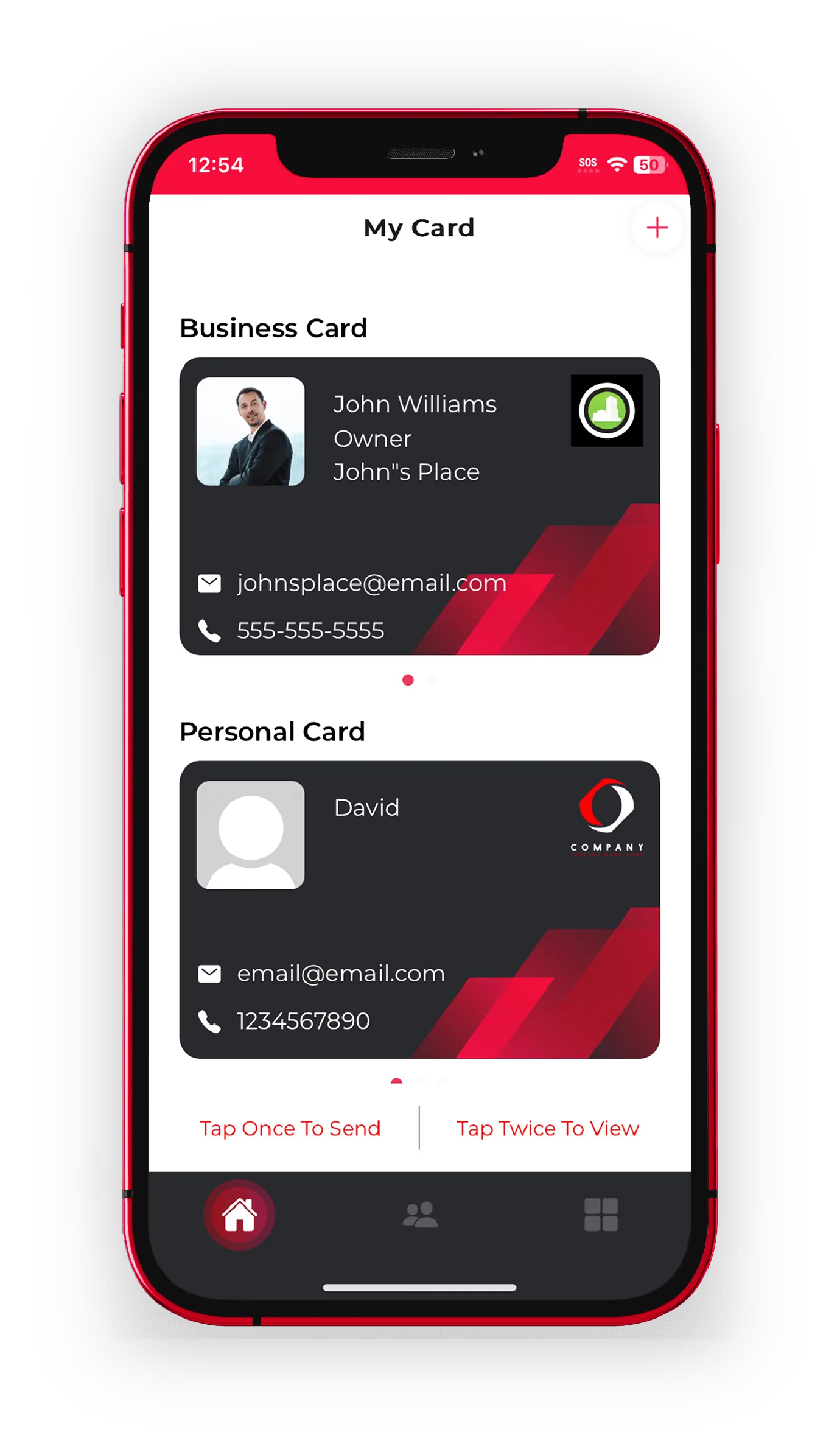
VIDEO CARDS

Video Business Cards That Actually Get Watched

Paper can't talk, and a plain link is easy to ignore. Put a welcome clip, product reel, or quick walkthrough right on your card, and let people press play the moment they meet you.

Free to startiOS, Android & webNo app to receive
A finished eBiz digital business card with links and video
Tap to shareQR · NFC · link
No app to receiveopens in any browser
HomeVideo Business Card App | eBiz Smart Cards
WHY VIDEO

A card that plays your pitch for you

A video business card puts a short clip front and center, so the person you just met sees your face, your work, or your product before they read a single word.

Show your face first

A ten-second hello makes you the one people remember at an event where everyone else handed over a paper rectangle. Faces stick. Job titles don't.

Demo it, don't describe it

A property tour, a product reel, a before-and-after: video does the selling for you. It shows the thing working instead of asking people to picture it.

Plays on any phone

Whoever taps your card needs no app and no setup. Your card opens in their browser and the video is right there, ready to press play.

A finished eBiz digital business card with a video playing on the profile
ON THE CARD

Video sits right where people look

Your clip lives on the card next to your name, links, and contact button. No download, no detour.

  • Add a video to any card, alongside your photos and links
  • Pair it with booking, payment, and social widgets
  • Keep different clips on your business and personal cards
  • Swap the video anytime and everyone sees the new one instantly
SETUP

Make a video business card in three steps

If you can send a text, you can build one.

Design your card

Start with your details and brand, or upload your own custom design. Set colors, photo, and layout in a couple of minutes.

Drop in your video

Add your welcome clip or reel as a video block, then reorder your widgets so it lands exactly where you want it on the card.

Share and let it play

Send your card by QR, NFC, Airdrop, text, or link. It opens in a browser with the video ready to watch.

WHO IT HELPS

Built for people whose work is worth showing

Some jobs are hard to explain and easy to show. That's where a clip earns its keep.

  • Realtors: a walkthrough of the listing, right on the card you hand out at the open house
  • Creators and coaches: a personal intro that turns a cold contact warm
  • Sales and founders: a 30-second demo that beats any brochure
  • Salons, trades, and services: before-and-after clips that prove the work
PAPER VS eBiz

Everything a printed card can't do

Quick answer: A video business card is a digital card that plays a clip on the profile itself, so whoever you share it with can watch instead of read.
Capability
Paper card
eBiz Smart Cards
Play a video on the card
Recipient needs no app
Yes
Update the clip after sharing
Add booking, links, and payments
Capture the contact back to you
Share by QR, NFC, or text
QR only

Getting your video right

A good clip is short and human. Aim for 10 to 30 seconds. Say who you are, who you help, and one reason to keep talking. Film in landscape or square, keep the light on your face, and speak the way you would across a table.

  • Hook people in the first three seconds. That's when they decide whether to keep watching.
  • Caption it. Plenty of people watch on mute in a hallway or a lobby.
  • Match the video to the card. A demo reel belongs on your work card; a personal hello suits your personal profile.

Want the clip to open the instant someone taps their phone to yours? Pair your video card with an NFC business card so a tap goes straight to the play button.

Download the app and add your video
FAQ

Frequently asked questions

What is a video business card?

It's a digital business card that plays a video on the profile itself. Instead of just a name and number, the person you share it with can watch a welcome clip, product demo, or walkthrough right on the card, with no app to install.

How do I add a video to my card in eBiz?

Open your card in the app, add a video block, and point it to your clip. You can reorder your widgets so the video sits exactly where you want it, then share the card by QR, NFC, Airdrop, text, or link.

Does the person I share with need an app to watch the video?

No. Your card opens in any phone's browser and the video is ready to play. Recipients never download anything to view your card or watch your clip.

Can I change the video after I've shared my card?

Yes. Update the clip in the app and anyone with your card link sees the new video the next time they open it, so your card is never out of date.

What kind of video works best on a business card?

Short and personal wins. Keep it to 10 to 30 seconds, hook people in the first few seconds, and add captions since many watch on mute. A quick intro, a product demo, or a before-and-after all work well.

Can I have different videos on different cards?

Yes. eBiz supports separate business and personal cards, so you can put a product reel on your work card and a personal hello on your other one.

Ready to make your card?

Create your digital business card with video, photos and a fully custom design — free to start, and never hand out a paper card again.

Download on theApp Store Get it onGoogle Play