START IN YOUR BROWSER OR GET THE APP

Download the eBiz Digital Business Card App

Create your first card in your browser, or download eBiz for iPhone or Android. Start with your contact details, then share your card by QR code or link.

New here? Create my free card opens browser signup. Already using eBiz? Open the web app (PWA) to return to your cards. No installation needed.

Already have an account? Sign in to eBiz.

Prefer the mobile app? Download it here:

One free cardQR & link sharingNo app to receive
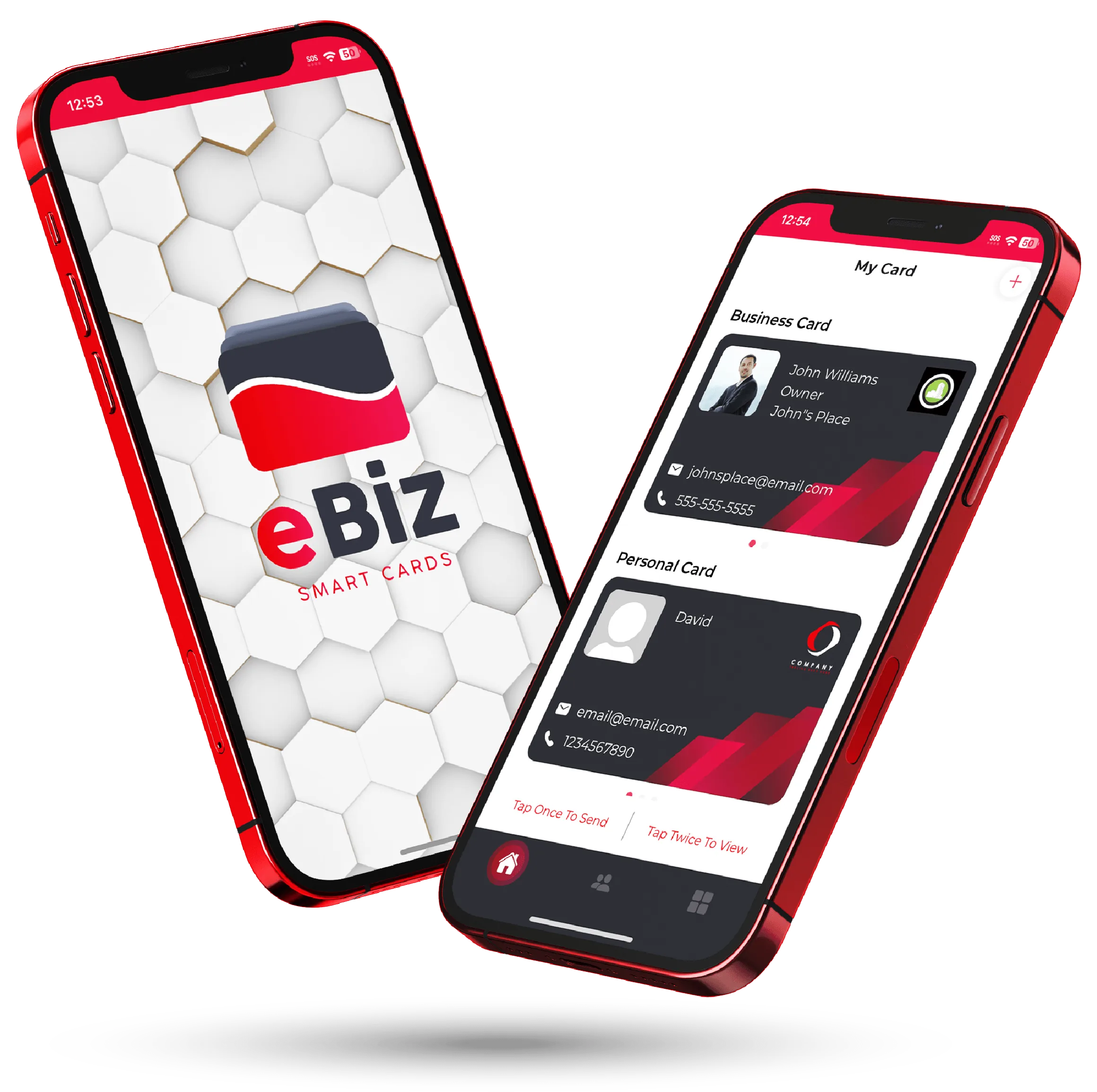
The eBiz Smart Cards digital business card shown on two phones
Ready to shareQR code · card link
No app to receiveView in a browser
HomeDownload
YOUR FIRST CARD

From account to first share

Start with the details you want someone to keep. Add more when you need it.

Create your account

Sign up with your name, email and password, and review the terms. In the browser, the next screen shows subscription options; choose Skip if you want to continue with the free plan.

Build and preview your card

Choose a business or personal card, add your contact details and review the preview. Save your card, then check names, phone numbers and links. Gallery photos, video and social icons are paid extras.

Share your card

Show its QR code in person or send its link by text or email. Open the link yourself before sharing it widely. Recipients can view the hosted card in a browser without installing eBiz.

Want the full walkthrough? Follow the card setup guide.

Start free. Upgrade when it fits.

The free plan includes one business or personal card, limited customization and unlimited sharing. It is a place to start with your contact details and a shareable QR code and link.

Paid plans add more cards, full customization, photo galleries, intro videos and social icons. Gallery video requires Silver or Gold; allowances differ by plan. Compare the plans and check the current price, billing period and renewal terms in your purchase screen before subscribing.

BEFORE YOU START

Your download questions

Is eBiz free to start?

Yes. The free plan includes one business or personal card, limited customization and unlimited sharing. Photo galleries, intro videos, social icons and full customization require a paid plan. You can compare the allowances before upgrading.

Can I create a card without downloading an app?

Yes. Choose Create my free card to open browser signup. After creating your account, you can review the plans or choose Skip to continue free. You can build and share your card in the web app without installing the iPhone or Android app.

Does someone need eBiz to receive my card?

No eBiz account or app is needed to view your shared card. The recipient opens its link in a browser or scans its QR code. Saving contact details is their choice; their device may ask them to confirm.

What if I already have an account or subscription?

Sign in with your existing account instead of creating another one. If you bought a subscription through Apple or Google Play, manage it through that store. Check your subscription status before making another purchase.

Can I edit a card after sharing it?

Yes. Save your changes in eBiz and visitors opening the hosted card link can see the updated details. A contact someone has already saved on their phone does not automatically update when you edit your eBiz card.

Your next step: create your account

Start in your browser with one free card. You can decide on paid extras after reviewing the plans.

Already registered? Sign in to your account.