HONEST BUYER'S GUIDE

Choose the Best Digital Business Card App for Your Needs

Start with your own requirements. This checklist explains what to compare and which eBiz features are free or paid.

Free to startiOS, Android & webNo app to receive
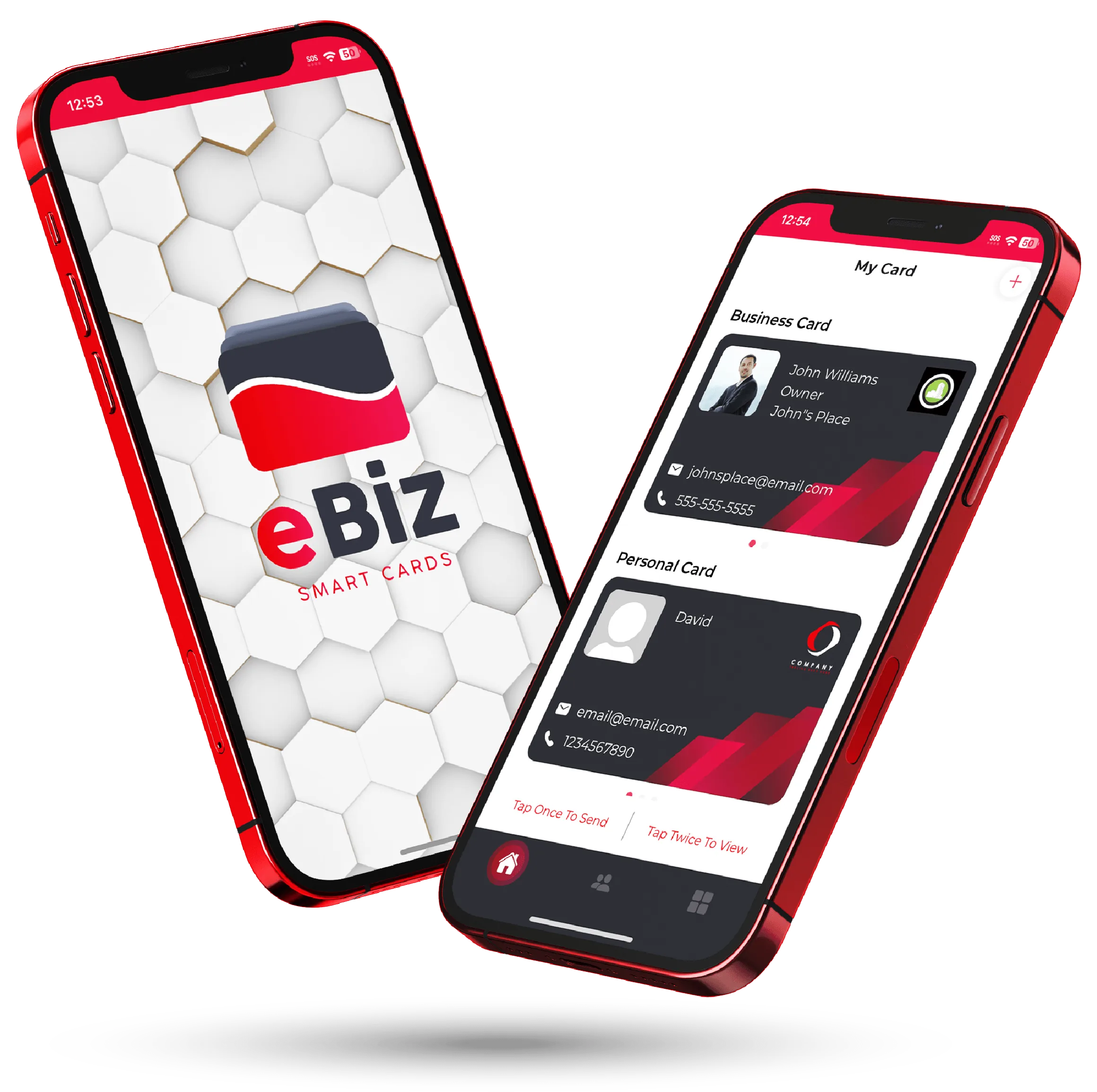
The eBiz Smart Cards digital business card shown on two phones
Tap to shareQR · NFC · link
No app to receiveopens in any browser
HomeBest Digital Business Card App

How to pick the best digital business card app

The best app for you depends on how you share, what your card needs to show and which plan fits your budget. Compare current product information and terms. This is an eBiz product checklist, not an independent ranking or a claim that one app is best for everyone.

Six things separate a card people remember from one that gets closed and forgotten. Run any app you're weighing, this one included, through all six before you settle.

WHAT TO CHECK

Six things that actually matter

Skip the feature-count bragging. These are the details you feel every single time you hand your card to someone.

Real custom design

Can you match your brand, or are you stuck picking a template and a color? The apps worth using let you upload your own artwork and control the whole look, so the card reads as yours, not as the app's.

Photos and video

A short intro clip or product demo says more than a logo ever could. Check whether the card can carry real media, not just a headshot and a phone number.

No app to receive it

This is the big one. Whoever you share with should see your card the moment they get it, right in their browser, with nothing to install. Test whether recipients need an account or app before sending a card to a new contact.

Every way to share

QR code, NFC tap, Airdrop, text, or a plain link. You're not always standing next to your phone, so more ways to send means fewer connections missed.

Contact capture

Handing over your details is only half the exchange. The good apps let you collect theirs too, so a handshake becomes a lead in your list instead of a name you've forgotten by lunch.

Fair pricing

Check your intended plan, including billing and renewal terms. Check what you actually get for nothing, and whether the parts you'll use most are locked behind a wall.

SIDE BY SIDE

What to check, and how eBiz fits

Use the middle column to evaluate any product. The eBiz column describes this product only and makes no competitor claims.

Capability
What to verify
eBiz Smart Cards
Custom card design
Controls included in your plan
Full customization on paid plans
Photos and video
Media types and upload limits
Photos and intro video from Bronze; gallery videos from Silver
Recipient viewing
Open a sample while signed out
Supported browser; no eBiz account needed
Sharing
Device and hardware requirements
QR and link; optional compatible NFC tag
Contact exchange
Consent and form fields
Visitor chooses to submit their details
Number of cards
Allowance per plan
One free card; paid plans add more
Platforms
Current app requirements
iOS, Android and web
Free to start
Free allowance and upgrade terms
One card, limited customization, unlimited sharing
Two phones showing a customized eBiz digital business card being shared
EXPLORE EBIZ

Built for people who network for a living

eBiz is designed around the moment a card actually gets used, so the polish shows up where it counts.

  • Design from scratch or upload your own artwork for a true custom look
  • Add video, photos, and widgets for booking, payments, and social links
  • Share by QR or NFC tap, and they open it with no app to install
  • Invite visitors to submit their details through contact capture
Quick answer: Choose around your actual workflow. eBiz starts with one free card and unlimited sharing; paid plans add media, social icons and full customization. Check current plan terms and test a shared card before deciding.

How eBiz compares to Blinq, HiHello and Popl

Blinq, HiHello, and Popl turn up in nearly every search for a top digital business card app, and they're all capable products. Our pages describe eBiz as one option. Check each provider's current official product and pricing pages for a current comparison.

Want the whole list of what's included? The features page spells it out. When you're ready, a card takes a few minutes to build.

QR + linkshare your hosted card
0 appsfor them to receive it
3 waysiOS, Android and web
Free to startpaid upgrades for media
TRY IT YOURSELF

The honest test: make one and share it

The quickest way to judge the best digital business card app is to build a card and send it to a friend. Three steps, no credit card.

Get the app

Download eBiz on iOS or Android, or open the web app in your browser and sign in.

Design your card

Add your details, photos, video, and links, then style the whole thing to match your brand.

Share and watch it land

Tap, scan, or text it over, and see how fast it opens on the other end with nothing to install.

FAQ

Frequently asked questions

What is the best digital business card app?

Choose around your design needs, sharing workflow, plan limits and budget. Test a shared card while signed out and compare current terms. eBiz offers one free card with limited customization and unlimited sharing; paid plans add media, social icons and full customization.

Do people need to download an app to receive my card?

Not with eBiz. Share your card by QR, NFC, Airdrop, text, or link and the recipient opens it right in their phone's browser with nothing to install. Test the link on the devices your recipients use.

Can I add video to my digital business card?

Yes. eBiz cards carry video and photos alongside your links, booking, payments, and social widgets. Photo and video features require a paid plan.

Is eBiz Smart Cards free?

You can create and share a card for free. Additional plans are available in the app, and for team rollouts you can contact us to talk through what you need.

How is eBiz different from Blinq, HiHello, or Popl?

All are capable apps. eBiz stands out on full custom design with your own uploaded artwork, native video on the card, and no app required to receive it. We've written fair, criteria-led comparisons for each so you can judge for yourself.

Does it work on iPhone and Android?

Yes. eBiz has native iOS and Android apps plus a web app, so you can build and share your card from any device.

Ready to make your card?

Create one card free with unlimited sharing. Paid plans add photo galleries, video, social icons and full customization.

Download on theApp Store Get it onGoogle Play