QR CODE BUSINESS CARDS

The QR Code Business Card That Shares Everything in One Scan

One scan opens your full card in any phone camera. Nothing for them to download, nothing to reprint when your details change, and your photo, video, and links all in one place.

Free to startiOS, Android & webNo app to receive
Sharing an eBiz digital business card by QR code
Tap to shareQR · NFC · link
No app to receiveopens in any browser
HomeQR Code Business Card | eBiz Smart Cards

One scan, your whole card, no app required

A QR code business card turns your contact details into a square barcode anyone can scan. Point a phone camera at it, tap the link that pops up, and your full digital card opens: name, title, phone, email, photo, social links, a booking button, even a short video if you added one. The person scanning installs nothing. Every iPhone and Android built in the last several years reads QR codes right from the camera.

That's the quiet advantage here. A paper card dies the moment your number changes or you switch jobs. Your eBiz QR points to a card you control, so you edit once and every future scan shows the current version. Print the code on a badge in January, change your title in June, and the badge still works.
Quick answer: A QR business card is your contact card behind a scannable code. One scan opens it in any phone camera, there's no app to receive it, and it stays current because you edit the live card, not the code.
WHY IT WORKS

Why a QR card beats a stack of paper

Everything a printed card can't do, in the pocket everyone already carries.

Nothing to install

Your recipient scans with their normal camera and your card opens in the browser. No download, no sign-up, no friction at the exact moment you're trying to connect.

Always current

The code never changes; the card behind it does. Update your role, number, or links and everyone who scans from that point on gets the latest details.

Far more than a name

Add your headshot, a short video, booking and payment links, socials, and custom fields. A scan hands over your whole professional profile, not ten lines of ink.

MAKE ONE

How to make a QR code business card

Three steps in the eBiz app. Free to start.

Build your card

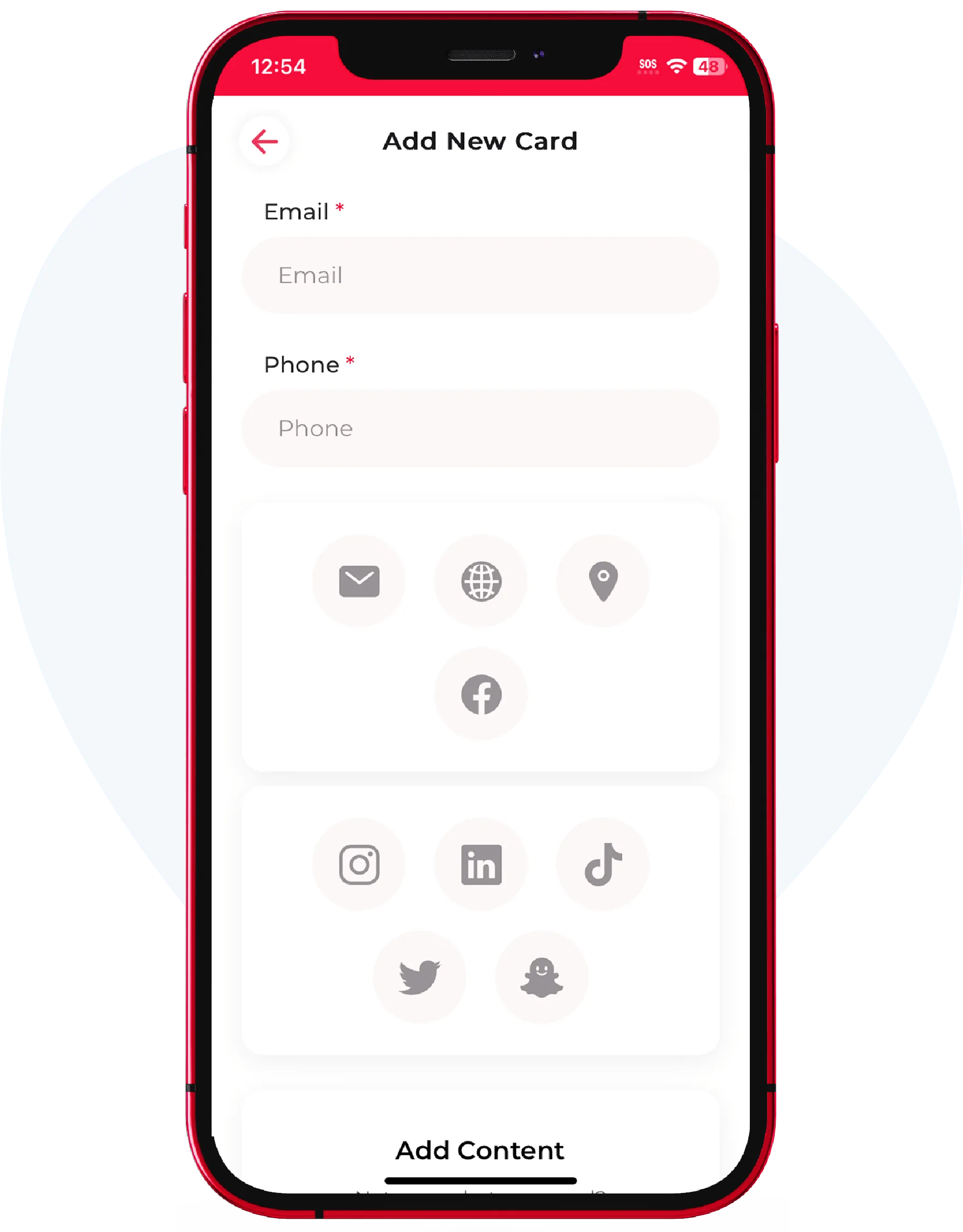
Add your name, title, and details, upload a photo or logo, and drop in the links and buttons you want: socials, a calendar, payments, your website. Design it your way.

Open the share screen

Tap share and your personal QR code appears. It's tied to your live card, so you never generate a new one when your information changes.

Show it or place it

Let someone scan it off your phone, or save the code and add it to your email signature, lock screen, printed card, or booth. Scans work the same everywhere.

WHERE TO USE IT

Put your code where people already look

Your QR is a small graphic you can place almost anywhere a camera can reach. Each spot below turns a passing glance into a saved contact.

  • Your email signature, so every message you send can share your full card
  • A phone lock screen or wallpaper for quick sharing at events
  • The back of a printed card, a name badge, or a lanyard
  • A storefront window, counter sign, or vehicle wrap
  • The last slide of a talk, and your video call background
QR VS PAPER

Paper card vs QR business card

Same first impression, very different follow-through.

Capability
Paper card
eBiz QR card
Update details without reprinting
Include photo, video, and live links
Recipient needs no app
Saves straight to their phone contacts
Manual
Capture their details back to you
Never runs out or gets left at home

You don't have to pick a side. Add your QR code to the paper card you already hand out and get both: the tactile moment plus a card that keeps working long after the paper lands in a drawer. See everything you can put on it in features.

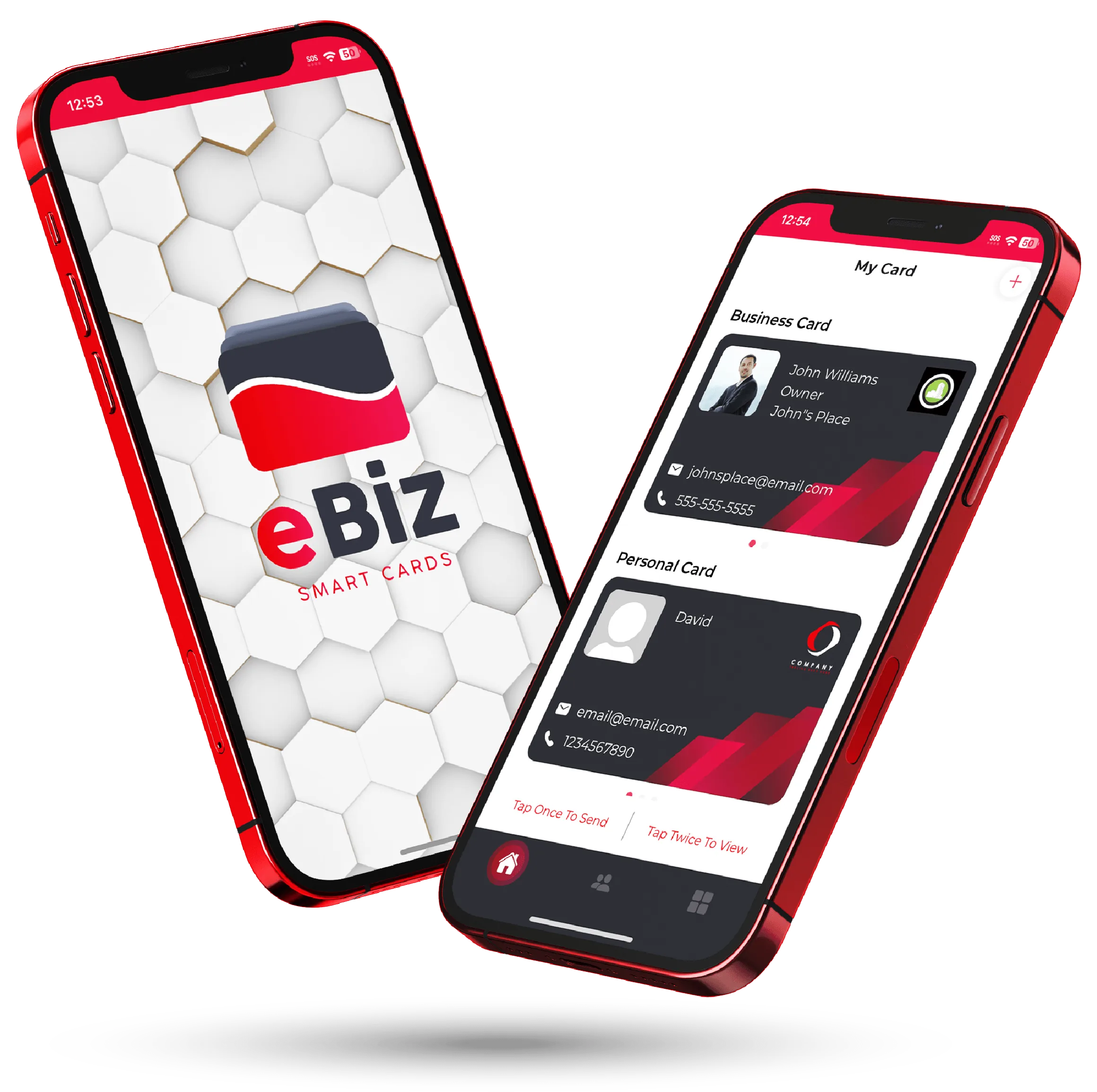
Two phones showing an eBiz digital business card shared by QR code
MORE THAN A SCAN

Turn every scan into a real connection

A QR code is one of several ways eBiz shares your card. Use whatever fits the moment.

  • Prefer a tap? Pair your card with an NFC business card and share by touch
  • Share by Airdrop, text, or a plain link when a QR isn't handy
  • Add a contact capture button so a scan works both directions
  • Keep separate business and personal cards, each with its own QR

Want the full picture first? Walk through how it works, then download the app and build your card in a few minutes.

1-scanopens your full card
0 appsfor them to receive
iOS + Android + Webbuild it anywhere
100% customyour design and links
FAQ

Frequently asked questions

What is a QR code business card?

It's a business card you share as a QR code. Someone scans it with their phone camera and your full digital card opens in their browser: contact details, photo, links, and anything else you added. There's no app for them to install.

Do people need an app to scan my QR business card?

No. Every modern iPhone and Android camera reads QR codes natively. Your recipient points their camera, taps the link that pops up, and your card opens. Nothing to download on their end.

How do I make a QR code business card for free?

Download the eBiz Smart Cards app, build your card with your details, photo, links, and custom fields, then open the share screen to reveal your personal QR code. It's free to start, and your QR updates automatically whenever you edit the card.

Does my QR code change when I update my details?

No, the code stays the same. It points to your live card, so when you change your number, title, or add a link, everyone who scans it after that sees the current version. You never reprint anything.

Where can I put my QR business card?

Anywhere someone can point a camera. Popular spots include your email signature, phone lock screen, the back of a printed card, a storefront window, name badges, trade show booths, and the last slide of a presentation.

Can I capture the details of people who scan my card?

Yes. Your card can include a button that lets the other person send their details back to you, so a scan becomes a two-way exchange instead of a one-way handoff. See contact capture for how it works.

Ready to make your card?

Create your digital business card with video, photos and a fully custom design — free to start, and never hand out a paper card again.

Download on theApp Store Get it onGoogle Play